

Select Vape Pen Instructions: A Comprehensive Guide
Navigating the world of vape pens can be overwhelming, especially for newcomers. This guide provides clear and concise select vape pen instructions, covering everything from initial setup to troubleshooting. Understanding how to properly use and maintain your vape pen ensures a safe and enjoyable vaping experience. We’ll break down each step, answering common questions and offering helpful tips. Proper operation extends the life of your device and optimizes performance.
Understanding Your Select Vape Pen Components
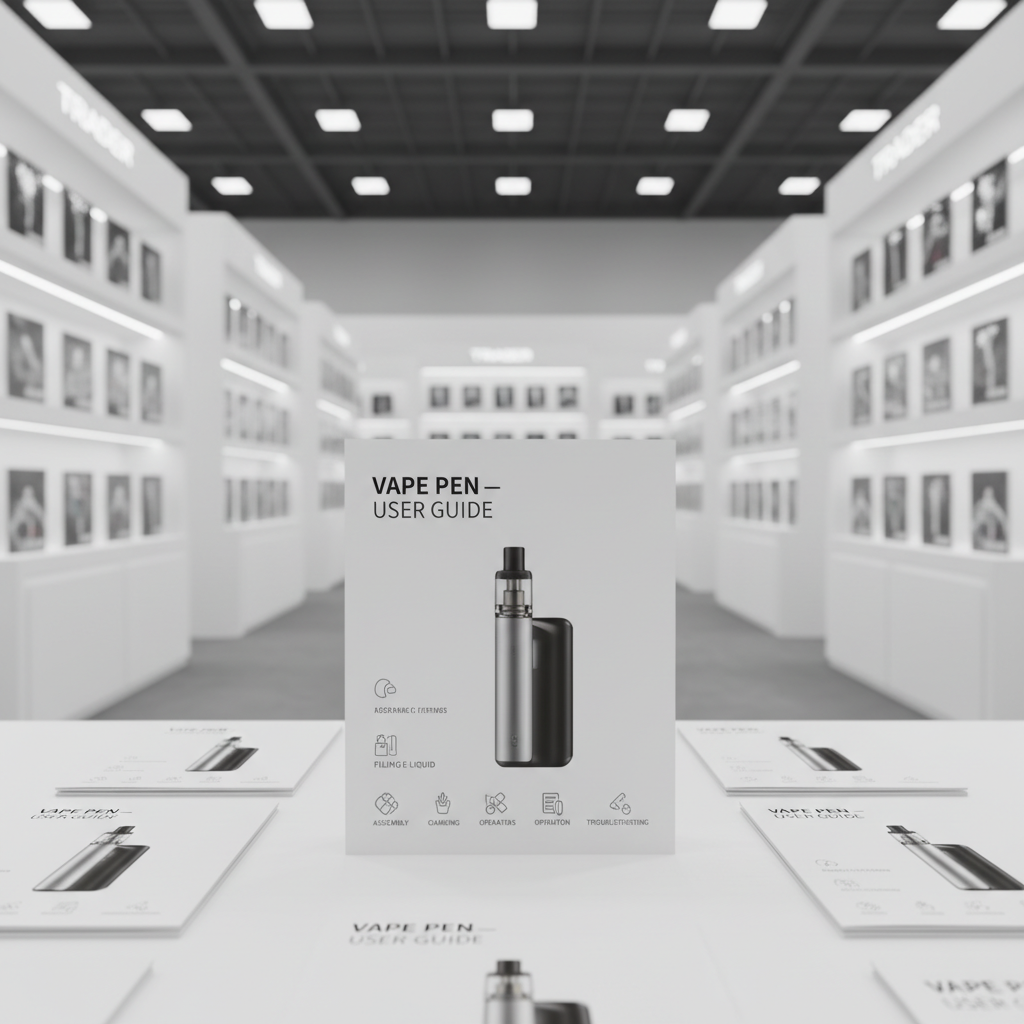
Before you begin, familiarize yourself with the key components of your select vape pen. Typically, a vape pen consists of a battery, a cartridge (or pod), and a mouthpiece. The battery provides power, the cartridge contains the e-liquid, and the mouthpiece allows you to inhale the vapor. Some pens have adjustable airflow settings or variable voltage options. Knowing the function of each part is crucial for proper operation and maintenance. Refer to the specific manual included with your device for detailed information regarding its unique features.
Initial Setup: Filling Your Cartridge or Pod
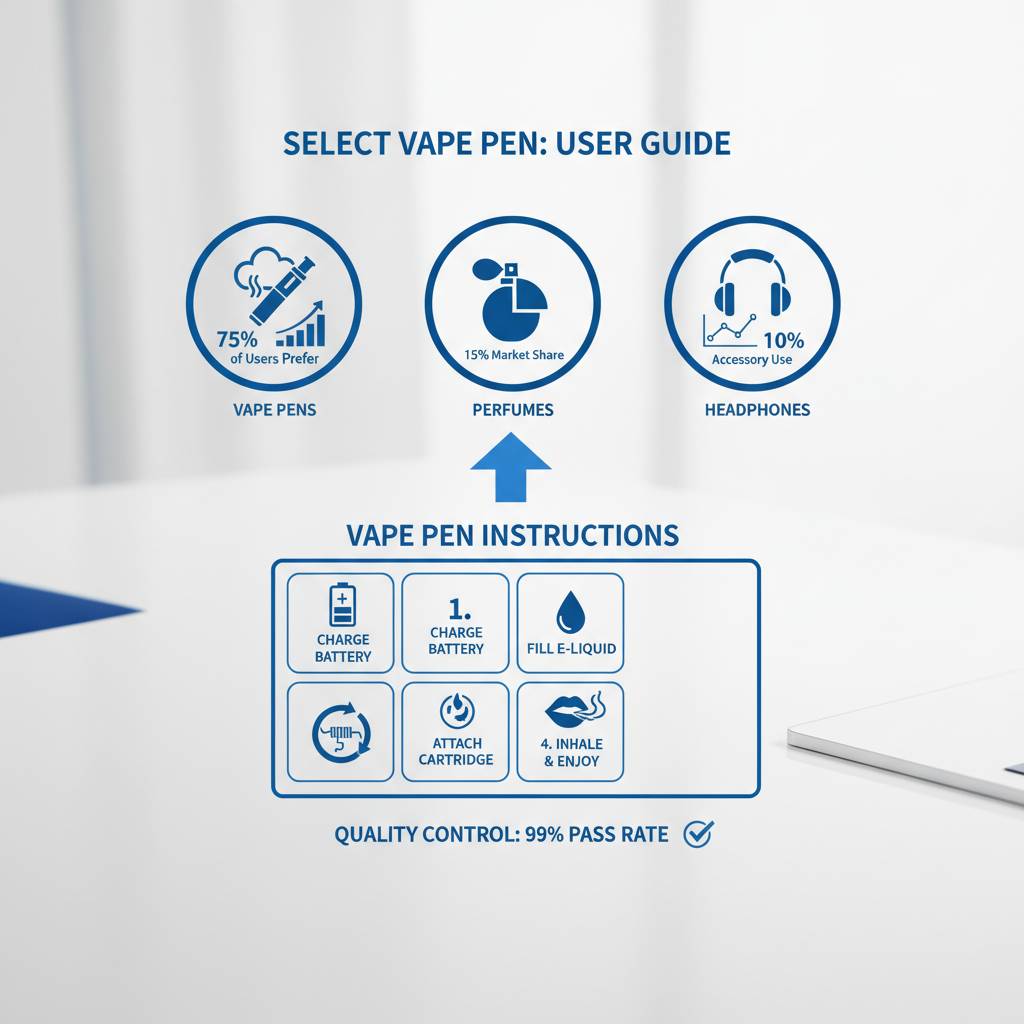
Most select vape pens utilize pre-filled cartridges or refillable pods. If your pen uses a refillable pod, carefully remove it from the device. Locate the filling port, typically a small hole on the side or bottom of the pod. Using a dropper or the provided filling tool, slowly add e-liquid, avoiding overfilling. Overfilling can cause leaks and affect performance. Once filled, securely reattach the pod to the battery. Always use high-quality e-liquid from reputable sources to ensure a safe and satisfying vaping experience. Ensure the pod is firmly connected to prevent leaking.
Powering On and Basic Operation
To power on your select vape pen, typically you need to press the power button five times in quick succession. This is known as the "5-click" function. The LED indicator will illuminate to confirm the device is active. To activate the heating element and inhale, simply press and hold the power button while drawing on the mouthpiece. Some pens are draw-activated, meaning they automatically activate when you inhale. If your pen has adjustable voltage or wattage settings, experiment to find your preferred level. Start with a lower setting and gradually increase it until you achieve your desired vapor production.
Troubleshooting Common Issues with Your Select Vape Pen
Encountering issues with your vape pen is common. Here's a quick guide to resolving typical problems: No Vapor: Ensure the battery is charged, the cartridge is properly attached, and the e-liquid level is sufficient. Weak Vapor: Try increasing the voltage or wattage setting. Clean the connection points between the battery and cartridge. Leaking: Avoid overfilling the cartridge or pod. Ensure the pod is securely attached. Burning Taste: This usually indicates a dry hit, meaning the e-liquid in the cartridge is depleted. Refill the cartridge or replace it. Consult the official SXZPODS support page for more detailed troubleshooting steps.
Quick Troubleshooting Guide: Ensure the battery is charged. Verify the cartridge connection. Check the e-liquid level. Adjust voltage/wattage settings. Clean connection points.
Select Vape Pen Maintenance and Battery Care
Proper maintenance extends the lifespan of your select vape pen. Regularly clean the battery contacts and cartridge connection points with a cotton swab dipped in isopropyl alcohol. Store your vape pen in a cool, dry place away from direct sunlight. Avoid dropping the device, as this can damage the internal components. When charging the battery, use the provided USB cable and avoid overcharging. Always dispose of used batteries responsibly according to local regulations. Following these simple steps will keep your vape pen functioning optimally for longer.
Conclusion: Enjoying a Safe and Satisfying Vaping Experience
By following these select vape pen instructions, you can ensure a safe, enjoyable, and optimized vaping experience. Remember to prioritize safety, practice proper maintenance, and use high-quality e-liquids. Understanding your device and its components is key to maximizing its performance and longevity. Happy vaping!
Frequently Asked Questions (FAQs)
How often should I replace my vape pen cartridge?
The lifespan of a vape pen cartridge depends on usage. Generally, a cartridge should be replaced when it starts to taste burnt, the vapor production significantly decreases, or the e-liquid is depleted. Replacing a cartridge ensures optimal flavor and performance. If you notice any changes in taste or vapor quality, it's time for a replacement. The SXZPODS website offers a wide selection of high-quality cartridges.
What is the proper way to store my vape pen?
Store your vape pen in a cool, dry place away from direct sunlight and extreme temperatures. Avoid leaving it in a car during hot weather or exposing it to freezing temperatures. Keep it upright to prevent leaks. It's best to store the pen in its original case or a protective pouch. This will help prevent damage and preserve its functionality. Proper storage contributes to a longer lifespan for your device.
Can I use any e-liquid with my select vape pen?
While many e-liquids are compatible, it's always best to check the manufacturer's recommendations for your specific vape pen model. Some pens are designed for specific types of e-liquids, such as nicotine salt or freebase. Using the wrong type of e-liquid can affect performance and potentially damage the device. SXZPODS offers a curated selection of e-liquids that are compatible with our devices.
How do I know when my vape pen battery is fully charged?
Most select vape pens have an LED indicator that changes color to indicate the charging status. Typically, a red light indicates charging, and a green light indicates a full charge. However, refer to your device's specific manual for accurate information. Avoid overcharging the battery, as this can reduce its lifespan. Once the battery is fully charged, disconnect the USB cable.
Latest News
-
Essential Select Vape Pen Charging Instructions for Battery Life
NewsApr.16,2026 -
Mastering Your Device with Essential o pen vape instructions
NewsApr.09,2026 -
Comprehensive Mist Vape Pen Instructions for Optimal Vaping Experience
NewsApr.07,2026 -
Comprehensive Hybrid Vape Pen Instructions for Optimal Performance and Safety
NewsApr.04,2026 -
Comprehensive Purple Vape Pen Instructions for Safe and Enjoyable Use
NewsMar.31,2026 -
Comprehensive In House Vape Pen Charging Instructions for Optimal Performance
NewsMar.28,2026