

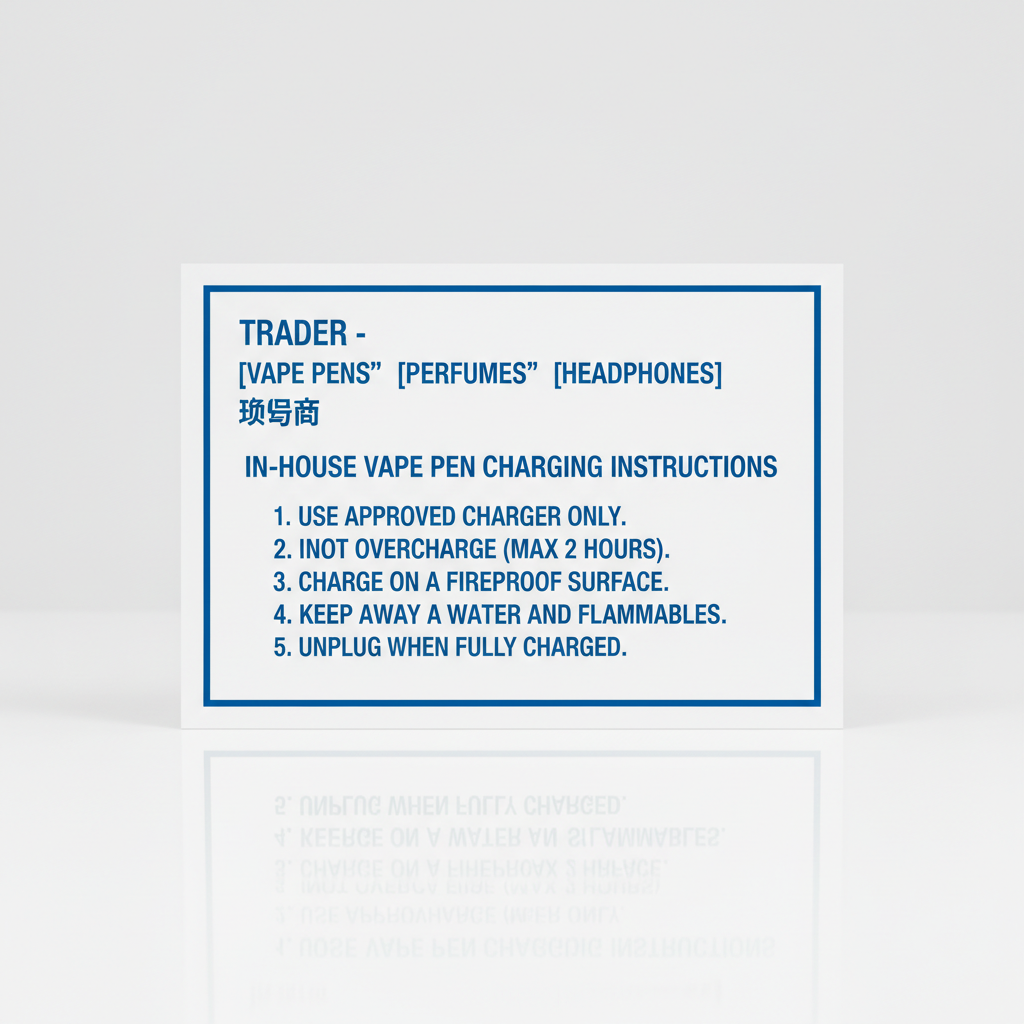
In House Vape Pen Charging Instructions
Navigating the world of vape pens can sometimes feel overwhelming, especially when it comes to ensuring they're properly charged. This guide provides comprehensive in house vape pen charging instructions, covering everything from identifying your pen's charging port to troubleshooting common issues. Proper charging is critical for optimal performance and longevity of your vape device. Understanding the nuances of your specific device will help avoid damage and ensure a consistently satisfying vaping experience. We'll cover various charging methods and safety precautions, all geared towards maximizing the life and usability of your vape pen.
Identifying Your Vape Pen’s Charging Port
The first step to successful charging is identifying the correct port on your vape pen. Most modern vape pens utilize one of three charging ports: Micro-USB, USB-C, or a proprietary magnetic connector. Micro-USB is the oldest and most common type, recognizable by its small, rectangular shape. USB-C is becoming increasingly prevalent, offering faster charging speeds and a reversible connector. Magnetic connectors are usually found on higher-end devices and provide a secure, convenient charging experience. Before attempting to charge, carefully examine your device and the included charging cable to determine the appropriate port type. Using the wrong cable can damage the device or prevent it from charging correctly. Refer to your device's manual if you're unsure.
Charging Methods: A Comparative Overview
There are several ways to charge your vape pen, each with its pros and cons. Wall adapters are convenient but can deliver varying amounts of power, potentially leading to slower charging times or, in rare cases, overheating. Computer USB ports offer a slower, more regulated charge. Power banks are ideal for on-the-go charging, providing a portable power source. Finally, dedicated vape pen chargers (often magnetic) offer the fastest and most efficient charging experience. Choosing the right method depends on your needs and priorities. We at SXzPods recommend using a 5V/1A charger to maximize battery life and safety.
Charging Method Comparison: Understanding the differences in charging speeds and safety precautions is essential for optimal vape pen performance.
Understanding Vape Pen Charging Indicators
Most vape pens utilize LED indicators to communicate charging status. A solid red light typically indicates charging in progress, while a solid green light signifies a full charge. A flashing red light may indicate a low battery or a charging error. Some pens may also display different colored lights to indicate different charging levels. Familiarizing yourself with your device’s specific LED codes will help you monitor the charging process and identify any potential issues. If your pen doesn't have an LED indicator, or the indicator isn't functioning correctly, it's best to consult the manufacturer's instructions.
Common LED Indicator Codes:
• Solid Red: Charging
• Solid Green: Fully Charged
• Flashing Red: Low Battery or Error
• Blinking Blue: Charging Complete.
Troubleshooting Common Charging Issues: In House Vape Pen Charging Instructions
If your vape pen isn't charging, several issues could be at play. First, ensure the charging cable is securely connected to both the pen and the power source. Try using a different cable and adapter to rule out a faulty connection. Clean the charging port with a dry cotton swab to remove any debris. If the battery is completely drained, it may take a few minutes for the pen to register a charge. If none of these steps work, the battery may be damaged and require replacement. Always contact the manufacturer for support if you suspect a battery issue.
Safety Precautions When Charging Your Vape Pen
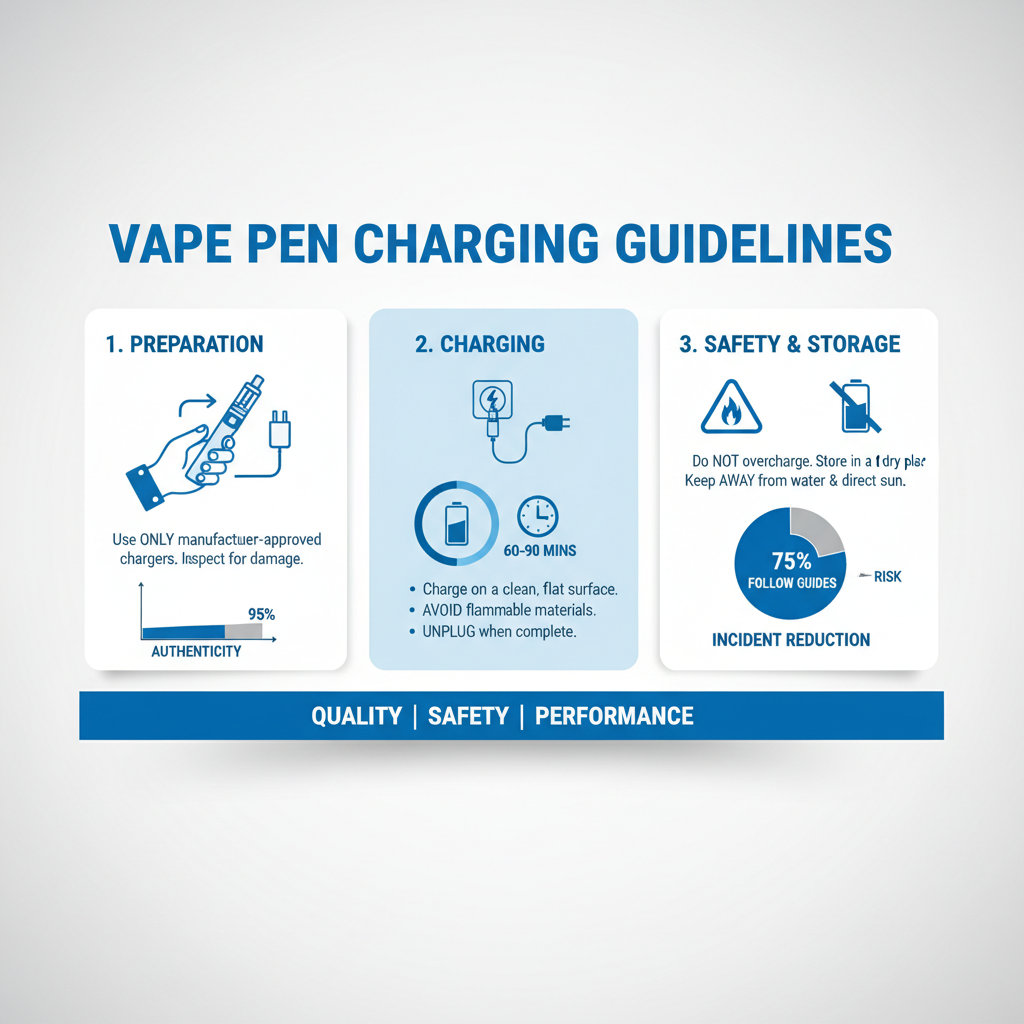
Always prioritize safety when charging your vape pen. Never leave a charging device unattended, especially overnight. Avoid charging in direct sunlight or extreme temperatures. Do not use damaged cables or adapters. If you notice any signs of overheating, swelling, or leakage, discontinue use immediately and contact the manufacturer. Using authentic chargers and following these safety guidelines will significantly reduce the risk of accidents and ensure a safe vaping experience. At SXzPods, we always prioritize your safety.
Conclusion: Keeping Your Vape Pen Powered and Safe
Following these in house vape pen charging instructions will help you maximize the lifespan and performance of your device while ensuring your safety. Remember to always use the correct charging cable, monitor the charging process, and prioritize safety precautions. A well-maintained vape pen provides a consistently enjoyable experience.
Frequently Asked Questions (FAQs)
Can I use a fast charger with my vape pen?
While some vape pens support fast charging via USB-C, it's generally not recommended. Fast charging can generate excessive heat, potentially damaging the battery and shortening its lifespan. It's best to stick to a standard 5V/1A charger for optimal battery health. Consult your device’s manual to determine if fast charging is supported and, if so, the recommended wattage. Using an unsupported fast charger could void your warranty.
What should I do if my vape pen gets hot while charging?
If your vape pen gets excessively hot during charging, disconnect it immediately. This could indicate a faulty battery, a damaged cable, or an incompatible charger. Do not attempt to use the device until you've identified and addressed the issue. Contact the manufacturer for assistance if the problem persists. Continuing to use a device that overheats poses a safety risk.
How do I properly store my vape pen battery when not in use?
When not in use for an extended period, it’s best to store your vape pen battery at around 40-60% charge in a cool, dry place. Avoid storing it in extreme temperatures or direct sunlight. Remove the battery from the device if possible. This helps prevent degradation and ensures it's ready to use when you need it. Regularly checking the charge level during storage is also recommended.
Is it okay to charge my vape pen overnight?
While it's not ideal, charging your vape pen overnight is generally safe if you're using a high-quality charger with overcharge protection. However, prolonged charging can potentially shorten the battery's lifespan. It’s better to disconnect the device once it's fully charged. Modern vape pens typically have built-in safety mechanisms to prevent overcharging, but it's still a good practice to avoid leaving them plugged in for extended periods.
Latest News
-
Essential Select Vape Pen Charging Instructions for Battery Life
NewsApr.16,2026 -
Mastering Your Device with Essential o pen vape instructions
NewsApr.09,2026 -
Comprehensive Mist Vape Pen Instructions for Optimal Vaping Experience
NewsApr.07,2026 -
Comprehensive Hybrid Vape Pen Instructions for Optimal Performance and Safety
NewsApr.04,2026 -
Comprehensive Purple Vape Pen Instructions for Safe and Enjoyable Use
NewsMar.31,2026